Speed1 min
Reaction Time
Wait for the panel to turn green, then tap as fast as you can. Five tries, one average.
Reaction Time is loading.
How it works
Press Start and watch the panel. It stays dark for a random wait of two to five seconds, then turns green. Tap or click the moment it changes.
You get five tries. Your score is the average, in milliseconds, which are thousandths of a second. If you tap before the green, that try starts again with a new wait, so guessing does not help.
What your score shows
This is simple reaction time: how long it takes you to notice one thing and make one movement.
Your number is not only you. It also includes your screen, and your mouse or touch screen, and each adds a small delay. That is why the same person usually gets a different score on a phone and on a desktop. The fair comparison is you against you, on the same device.
How to do better
Rest your finger on the button before you start. Look at the middle of the panel and keep your eyes relaxed.
Most people get faster over their first few runs and then level off. After that, the day to day changes in your score say more about how rested you are than about anything else.
Common questions
Why did my score change when I switched from my laptop to my phone?
Every device adds its own delay between the screen changing and your tap being counted. The test cannot remove that delay. Stick to one device if you want to track yourself over time.
What happens if I tap too early?
That try does not count. Tap again and it restarts with a new random wait.
Add this test to your own site
Teachers and bloggers are welcome to place this test on a page. Copy the code below into your page. It shows the test with a small credit line under it.
Try next
 Speed · 1 min
Stop on Target
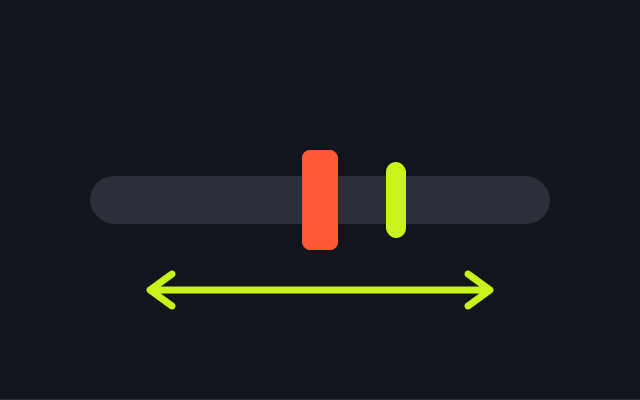
A marker sweeps across a bar. Stop it on the center line, eight times, while it speeds up.
 Speed · 1 min
Target Tap
Twenty dots appear one at a time. Hit each one as fast as you can and see your average time per dot.
 Memory · 2 min
Pattern Recall
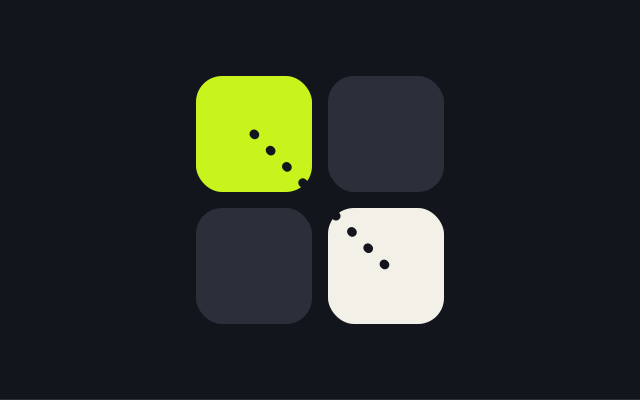
Four pads light up in a pattern that grows by one each round. Repeat it back for as long as you can.
 Memory · 2 min
Number Memory
A number flashes on the panel and disappears. Type it back. Each round adds one more digit.